

Popular deals and offers: Visit Decathlon

Your best thinking doesn’t stand a chance against a screen that pings, buzzes, and pulls you elsewhere every ninety seconds.

2 2026 06 08t155053292 6a26979c07a79

Kill the Ping

Notifications don't just interrupt tasks — they fracture focus so deeply that recovery takes over twenty minutes every single time.
3 95 6a26979d3205f

Think, Don't React

Deep work lives in sustained, uninterrupted thought — something no notification-heavy tablet was ever genuinely designed to protect.
4 62 6a26979e43fa0

Paper Wins Again

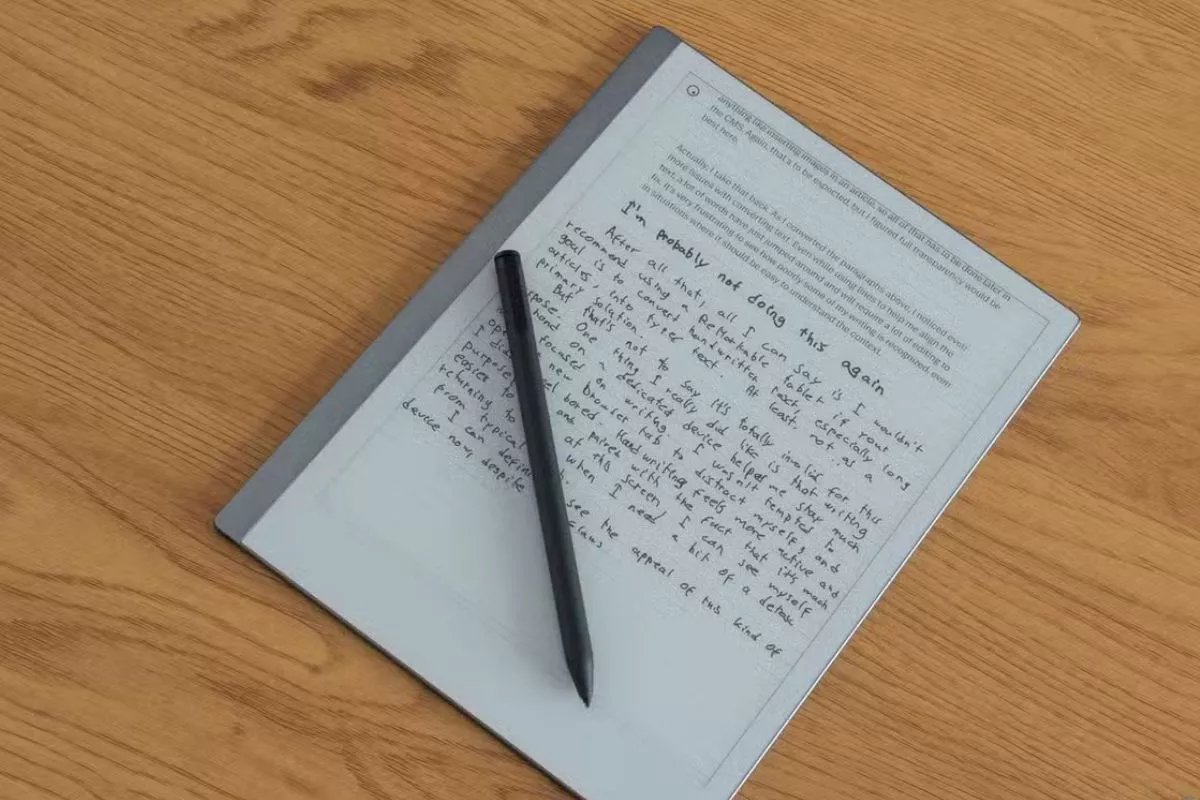
Writing on an e-paper surface slows your thinking down just enough to make it sharper, clearer, and far more actionable.
An iPad does everything. And that is precisely why it cannot help you do the one thing that matters most: think without interruption.

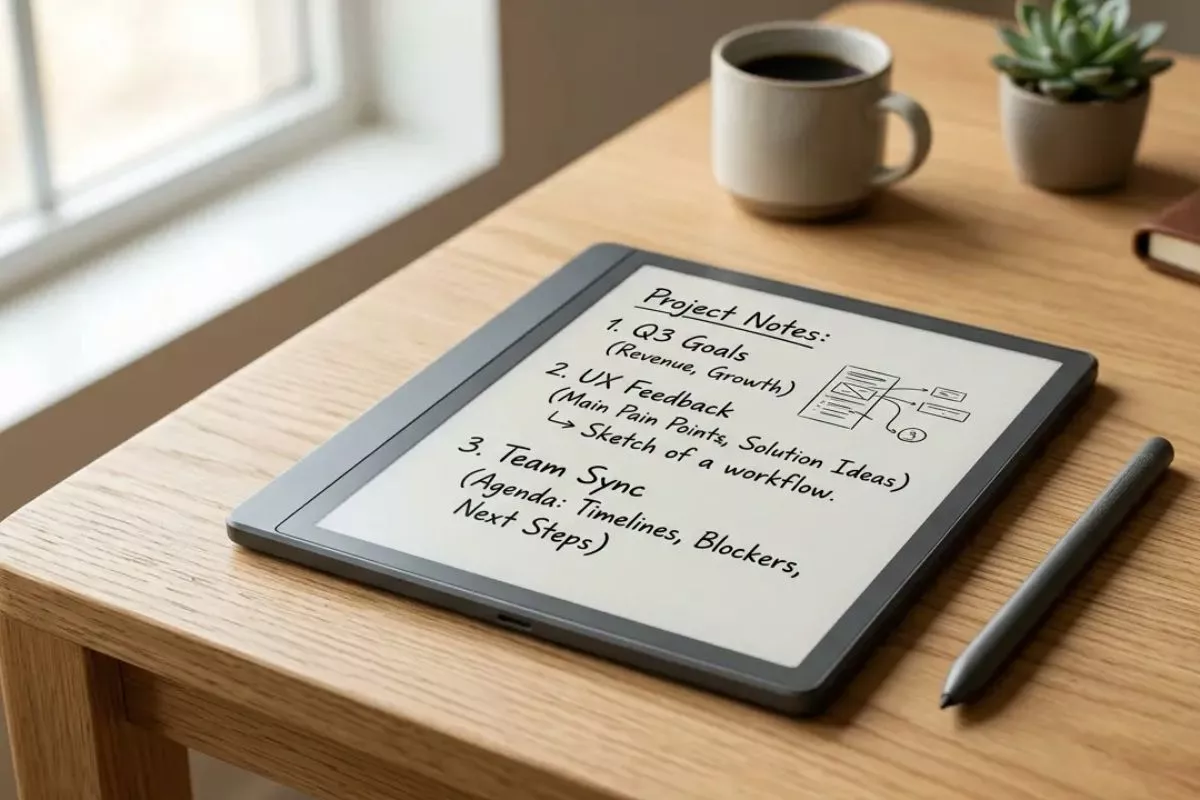
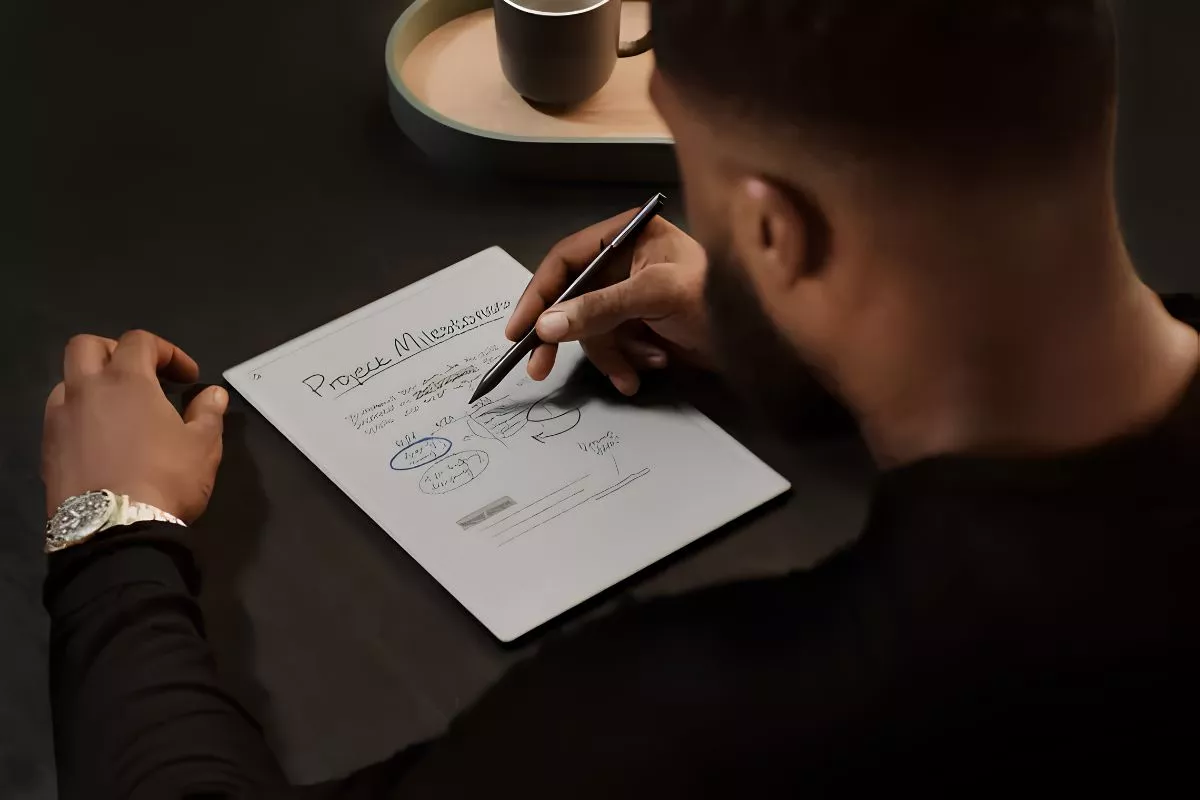
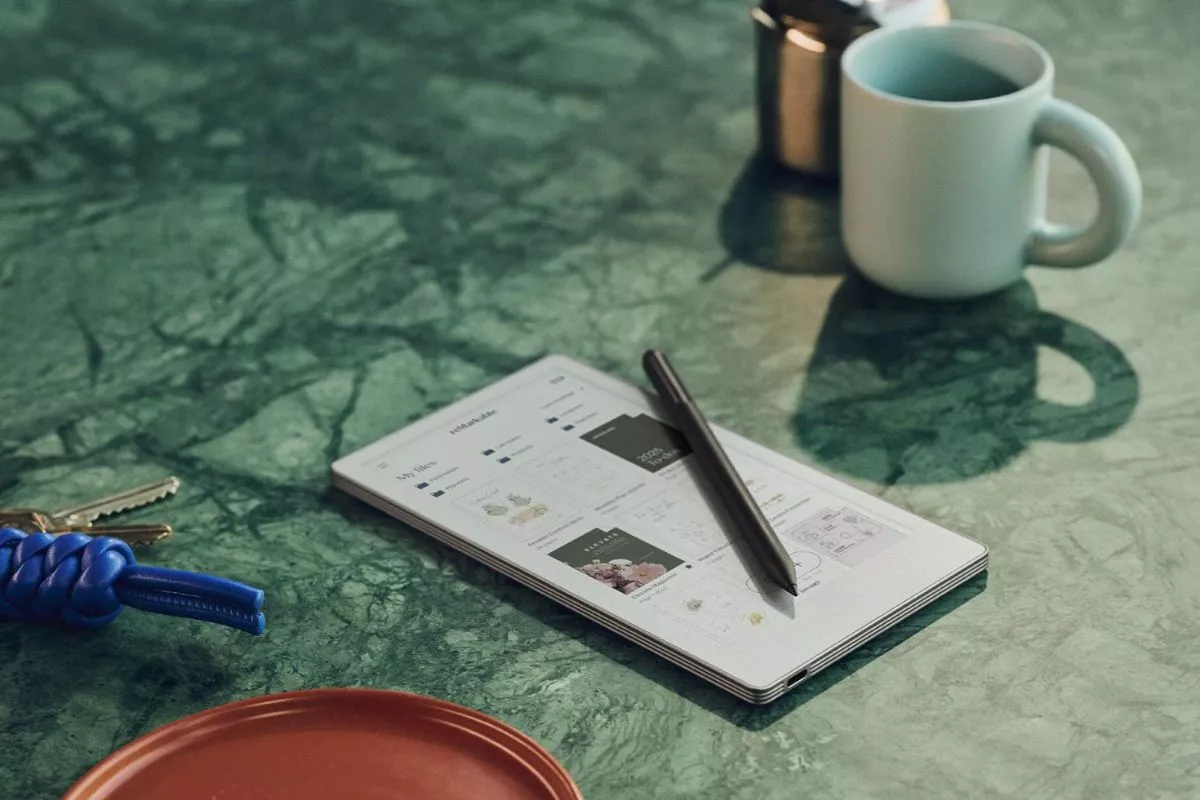
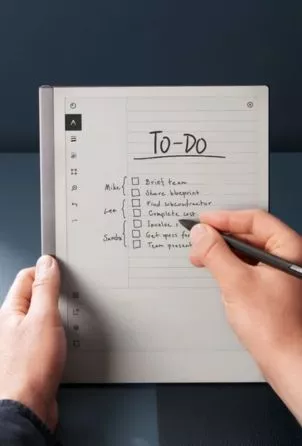
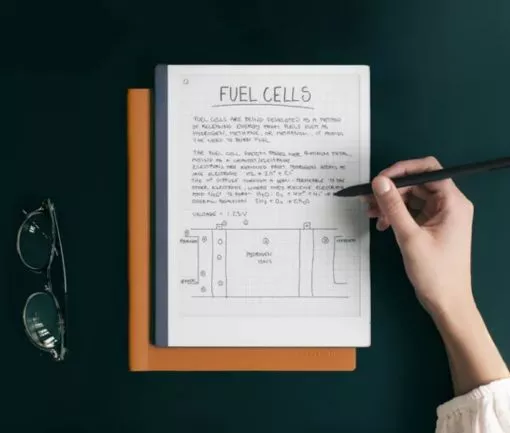
The Paper Pro does exactly one thing: lets you think on paper. No badge counts, no breaking news banners, no group chat bubbles bleeding into your margins. reMarkable’s e-paper display is engineered to reflect light like a real page — because a real page never once asked you to react to someone else’s agenda while you were building your own.

There is a reason your best ideas still arrive when you write by hand. The Marker Plus on the Paper Pro delivers friction, resistance, and precision that no glass screen can replicate. That tactile feedback slows your hand just enough to engage your brain more deeply — turning scattered bullet points into structured thinking that actually holds up the next morning when you read it back.

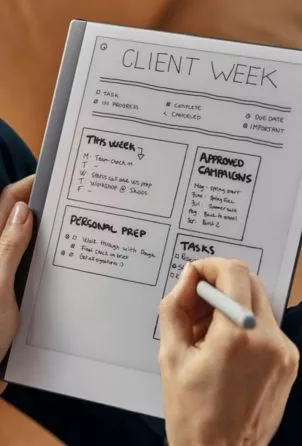
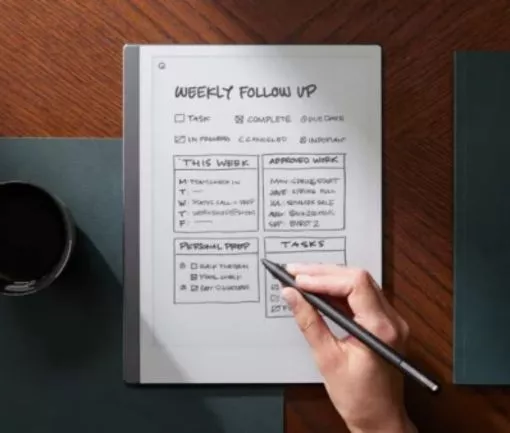
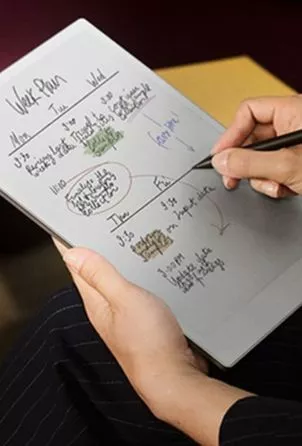
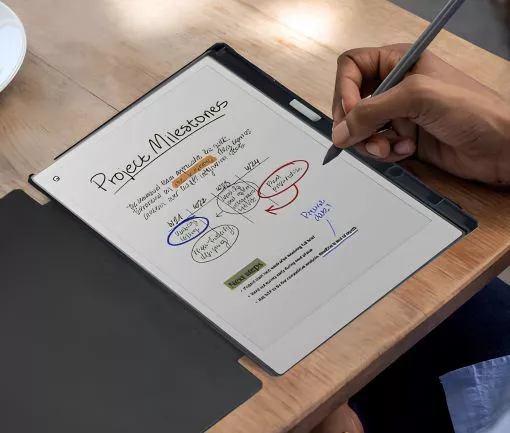
The Paper Pro’s Canvas Color display is not decoration — it is a thinking tool. Color-coding your deep work sessions — green for ideas in progress, red for blockers, blue for decisions made — creates a visual map of your thinking that a monochrome notebook or an overcrowded iPad notes app simply cannot match. Structure emerges from the page before your brain has to force it.

The Paper Pro Move fits in a jacket pocket and weighs less than a paperback. Paired with a Book Folio in premium leather, it is the executive’s answer to “I do my best thinking away from my desk.” No wi-fi dependency pulling you back into the feed. No lock screen notifications greeting you when you open the cover. Just a clean, paper-like surface that reMarkable designed to protect your attention like it is the most valuable resource you own — because it is.

Frequently Asked Questions

Everything sharp thinkers want to know before trading notification chaos for the focused, paper-like writing experience that actually protects their most productive hours.

It connects to wi-fi for syncing only. There are zero social apps, no notification system, and no way for the internet to interrupt your thinking mid-session.

Absolutely more than notes. Annotate PDFs, draft long-form documents, map ideas visually, and convert handwriting to text — all without a single distraction competing for your attention.

It adds a full backlit keyboard to your paper tablet. Type and handwrite on the same page — drafting, annotating, refining — without ever opening a browser or an inbox.

Swap your iPad for the Paper Pro in every deep work session — your output quality will improve within the first distraction-free forty-five minutes.

Use Marker Plus color-coding to build a visual thinking system — ideas, blockers, and decisions mapped clearly so your brain stops holding everything at once.

Sync finished sessions through reMarkable Connect each evening — search your handwriting, export clean drafts, and walk into tomorrow already ahead of the noise.