

Popular deals and offers: Visit Decathlon

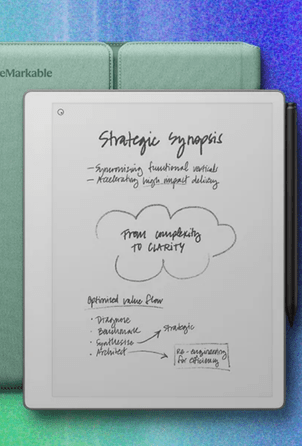
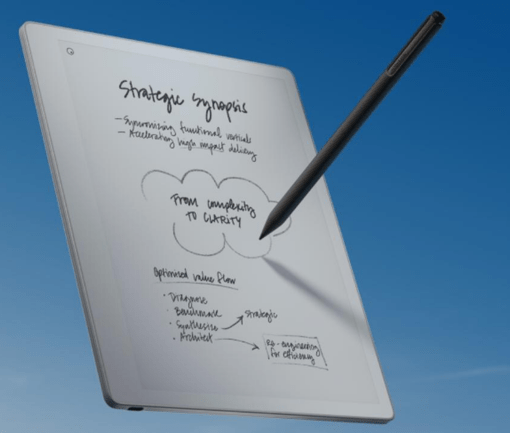
Compare paper tablets to understand how reMarkable Paper Pure and Paper Pro differ in display, writing feel, and portability for everyday use.

reMarkable Paper Pro 1

Entry Level Use

Entry level tablets focus on simplicity, fewer distractions, and lighter hardware, making them suitable for focused writing and basic document handling tasks.
reMarkable Paper Pro 2

Writing Feel

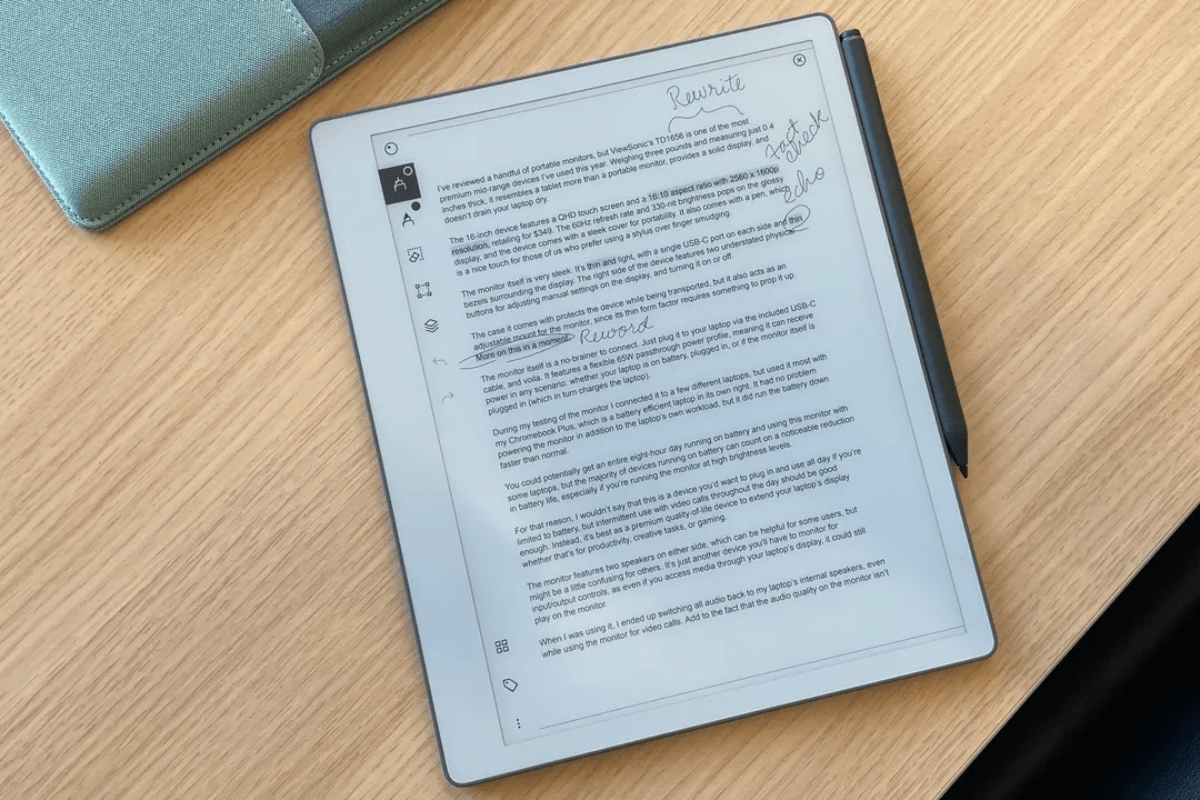
Writing feel depends on responsiveness and ink behavior, shaping how natural handwriting feels during fast notes, meetings, and study sessions.
reMarkable Paper Pro 3

Portability Impact

Portability determines how often users carry the device, influencing whether it becomes a daily notebook replacement or occasional work tool.
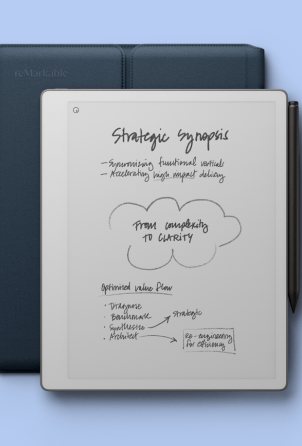
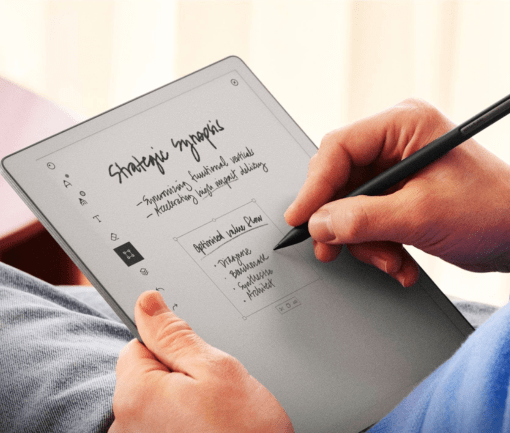
This section compares reMarkable Paper Pure and Paper Pro using core performance and design parameters, explaining how each impacts real user experience.

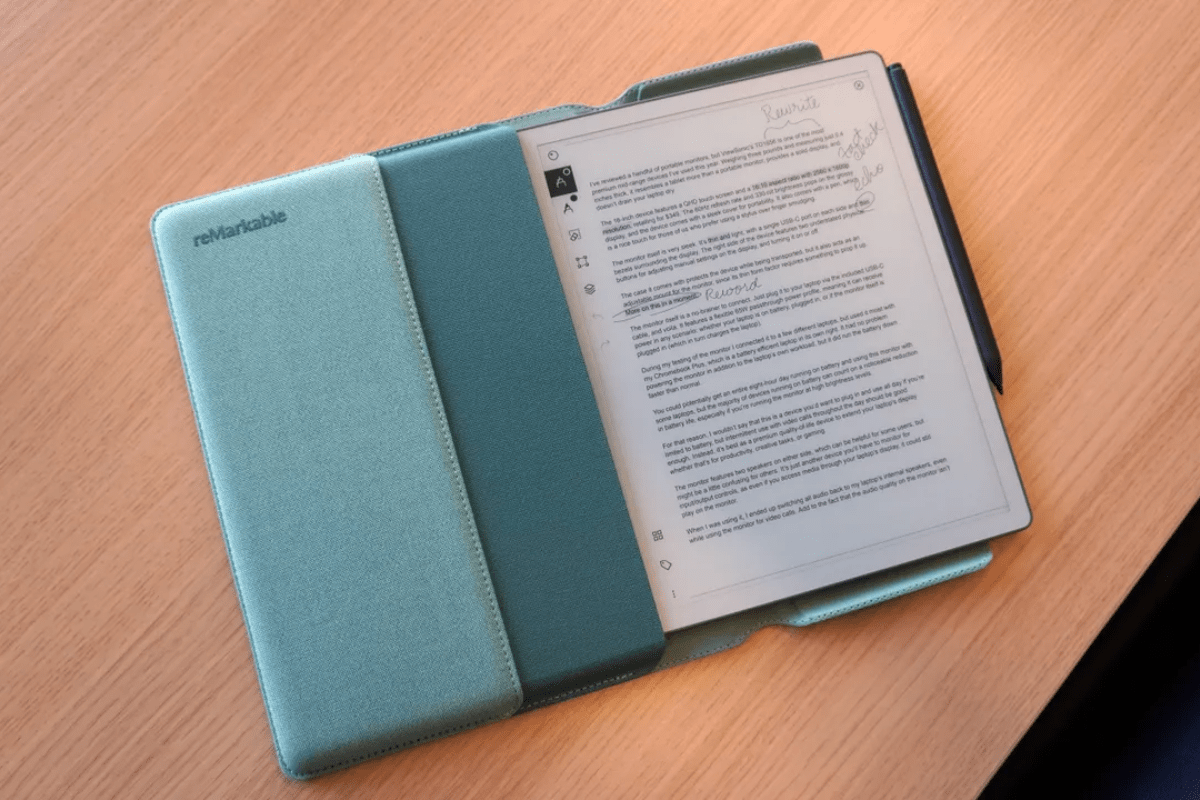
Paper Pure uses a 10.3-inch monochrome Canvas display with black, white, and grayscale output. This creates a distraction-free writing environment that keeps attention on structure and content. Paper Pro uses an 11.8-inch Canvas Color display with support for 20,000 colors. This improves visual organization, allowing highlights, diagrams, and structured notes, but may introduce more visual stimulation compared to monochrome focus.

Paper Pure measures 228.1 × 187.1 mm, making it more compact and easier to carry in small bags. Paper Pro measures 274.1 × 196.6 mm, offering a larger workspace for PDFs and sketching. The larger surface improves productivity for complex documents, while the smaller footprint improves portability for commuting and travel use.

Paper Pure weighs 360 g, making it lighter and more comfortable for long handheld reading or note-taking sessions. Paper Pro weighs 525 g, which feels heavier but more stable on desks. The difference impacts mobility, with Paper Pure better suited for frequent movement and Paper Pro better suited for stationary work sessions.

Paper Pure has a 0.84 mm pen-to-ink distance, creating a tighter connection between stylus and display. Paper Pro has a 0.92 mm distance but compensates with faster response. Both feel close to paper, but Paper Pure feels slightly more grounded while Paper Pro feels more dynamic.

Compare Paper Tablets: Real World Usage Differences

These parameters translate directly into how users experience writing, reading, and organizing content in daily workflows.

Paper Pure’s monochrome display reduces visual distraction, helping users stay focused on writing and reading without color-based interruptions.

Paper Pro offers lower latency, making handwriting feel more immediate and improving the sense of writing continuity during fast input.

Paper Pro’s color support helps visually separate ideas, making it easier to structure complex notes and highlight key information.

  • Choose monochrome devices when focus is more important than visual structure, especially for long reading or uninterrupted writing sessions
  • Use color-capable devices when organizing complex ideas, diagrams, or annotated PDFs that benefit from visual grouping and highlights.
  • Match device size to workflow needs so portability and screen space align with whether you prioritize mobility or detailed document work.